Club settings and admins
Club settings and admins
Manage your organizer club (organization) profile and team access.
Club information #
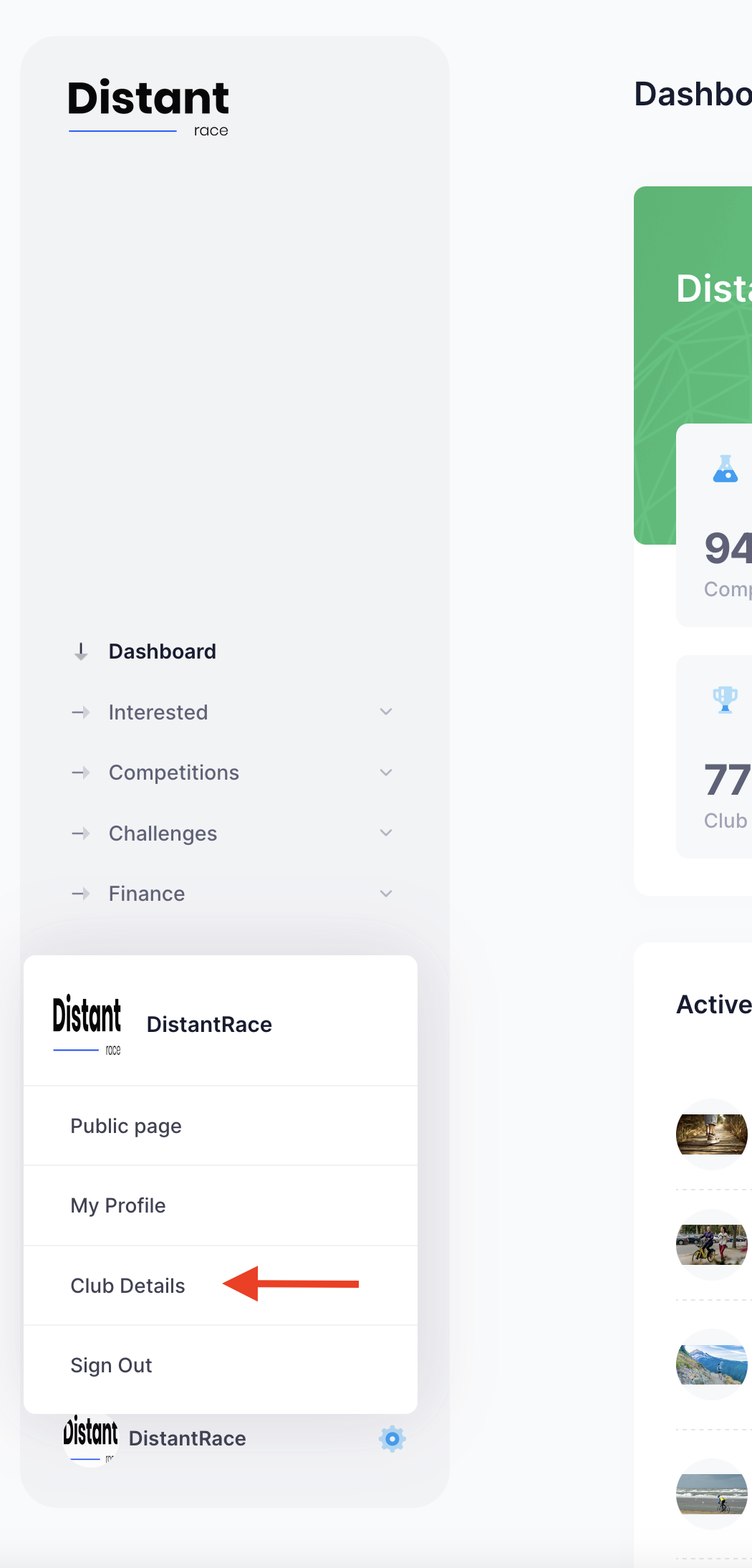
Club → Settings
| Field | Purpose |
|---|---|
| Club email | Public contact for participants |
| Timezone | Default for all event start/end times |
| Country | Primary operating country |
| Logo | Branding on club page |
Billing data #
Required for invoices and paid events:
- Billing name, company number, VAT, address
- Bank name, bank code, account number
Add administrators #
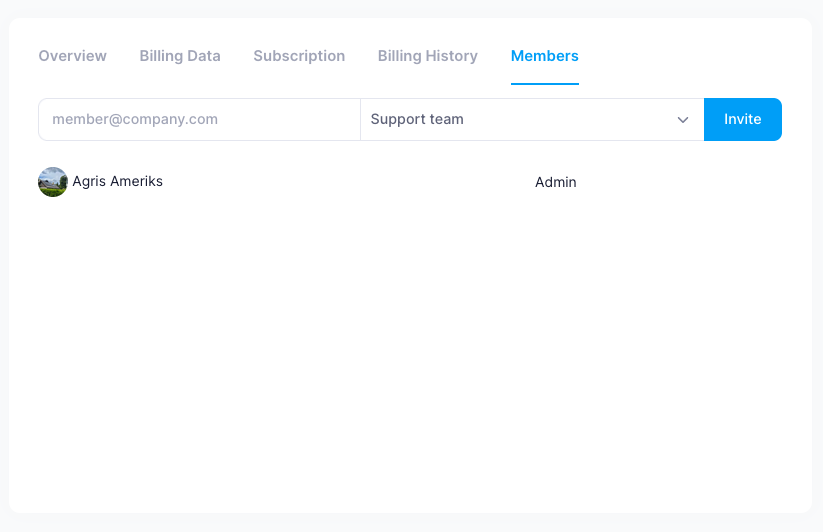
Club → Members — invite by email with access level:
| Role | Access |
|---|---|
| Administrator | Full rights |
| Finance | Finances only — invoices, orders, payment channels, bank |
| Support team | Operations without financial summaries — start list, results, participants |
| Ticket scan | Mobile app ticket scanning only — Mobile ticket scanning |
Invite via Club → Members → Invite. Pending invites can be resent or deleted from the same page. Invitees accept through the email link — Accepting a club admin invitation. See Sign-in options for how invitees log in.
Related #
Was this page helpful?
Thanks — your feedback helps us improve these docs.