Register for in-person competitions
Register for in-person competitions
DistantRace also allows organizers to run in-person competitions through the DistantRace platform.
Publicly available competitions can be found here: https://distantrace.com/en/events/, but there may also be competitions that can only be found via a link sent by the organizer.
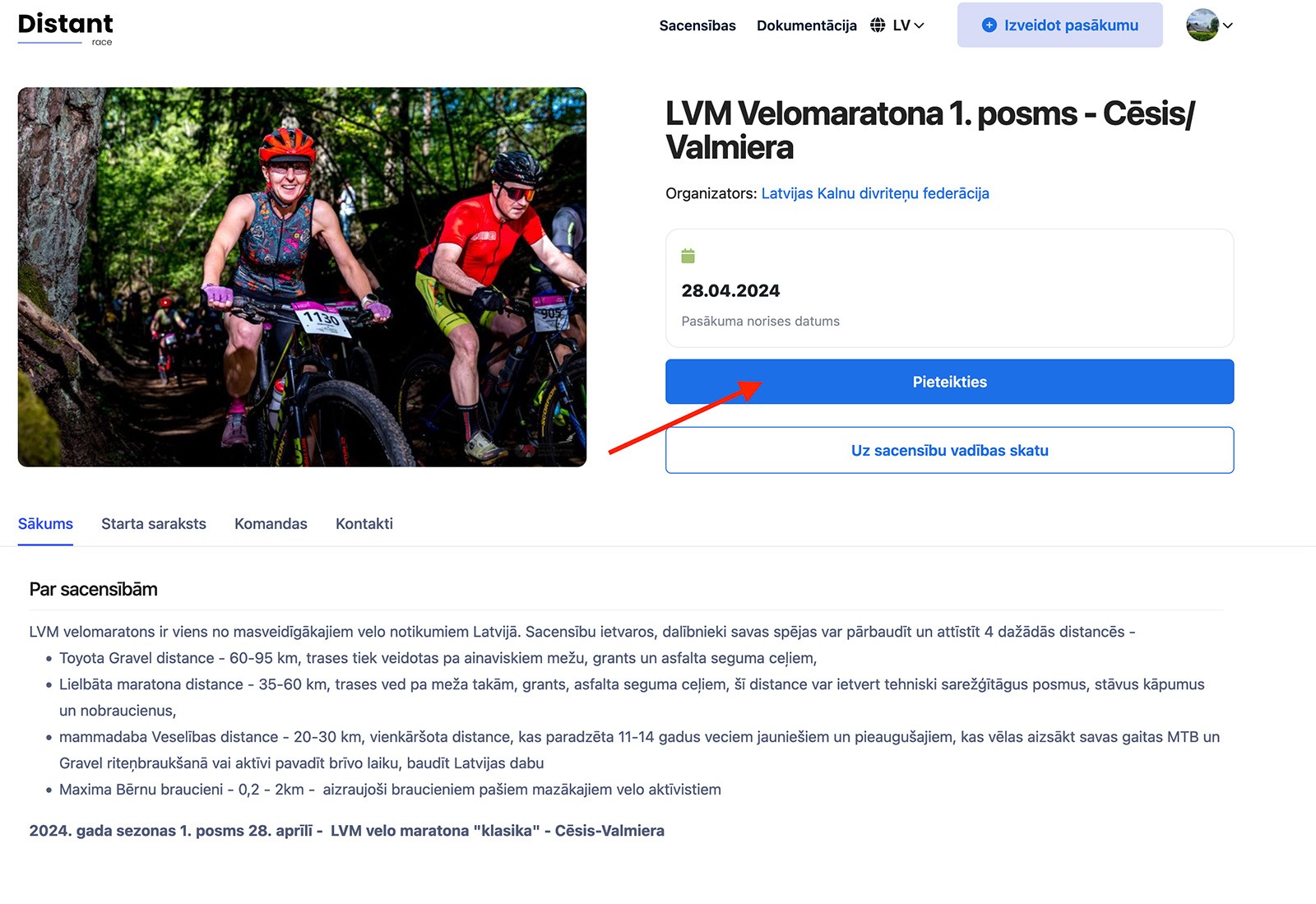
- Press "Register".
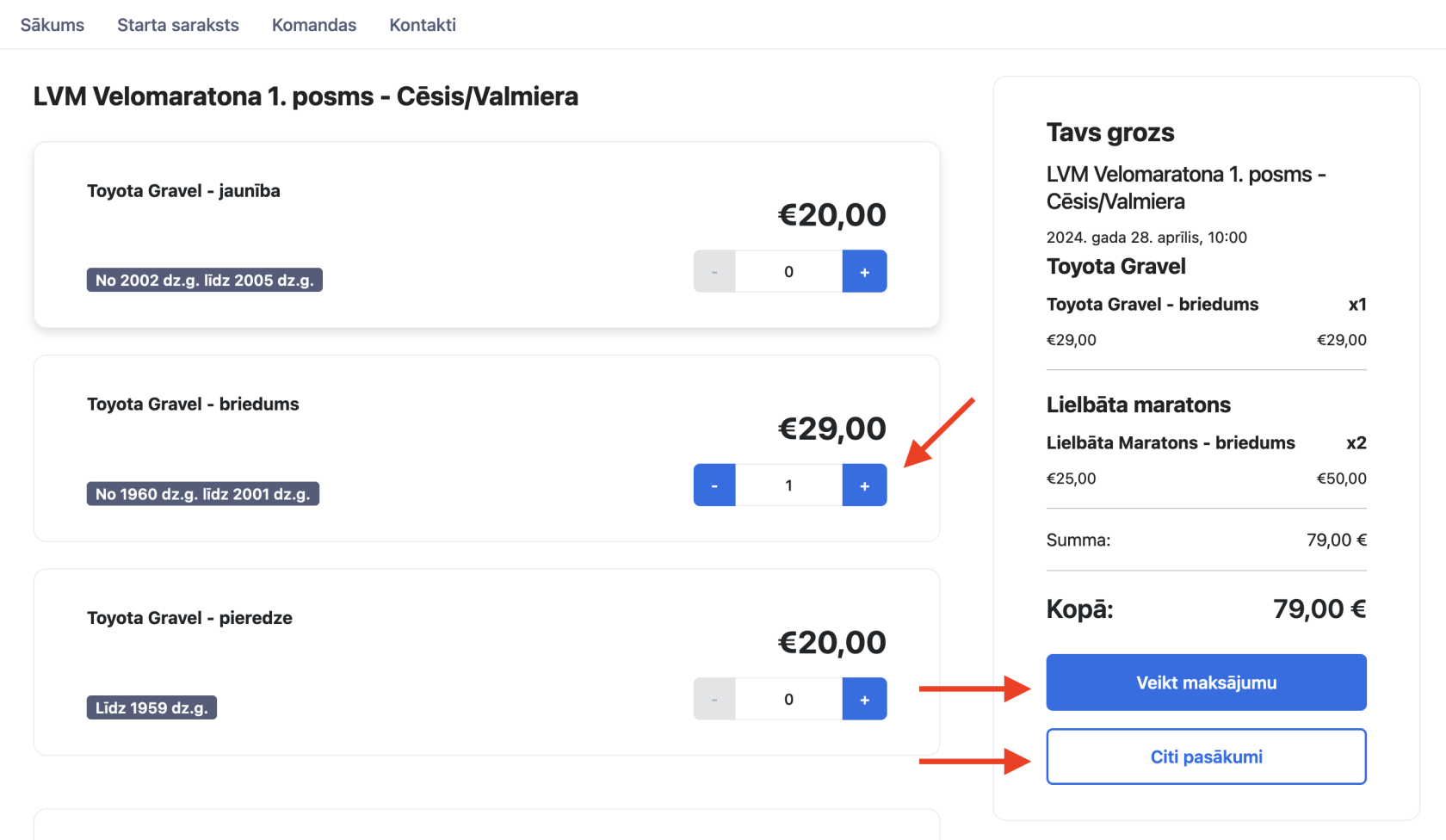
- Choose your participation "ticket" by pressing "+". Pay attention to the distance name and birth years. If the organizer runs several sports events, it is also possible to register for several competitions at once — press "Other events". Once everything is selected, press "Proceed to payment".
- The registration form is divided into 3 parts:
- Payer information
- Participant information
- Email and marketing settings
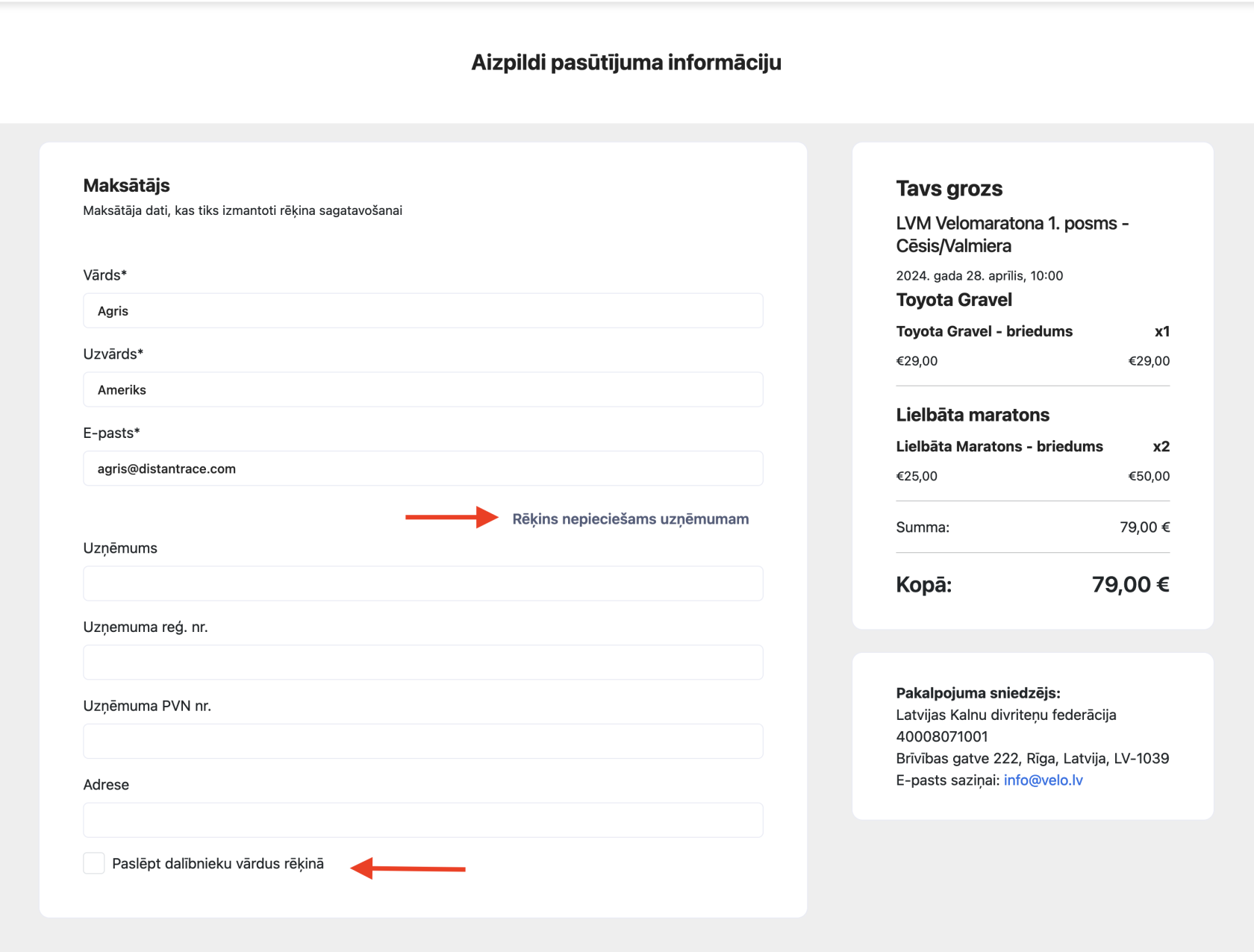
Payer information. If the payer is a private person, enter the name, surname, and email (it is filled in automatically if a registered distantrace.com user is registering). If you need an invoice with company details, press "Invoice needed for a company". If you need to hide participant names on the invoice, choose "Hide participant names on the invoice".
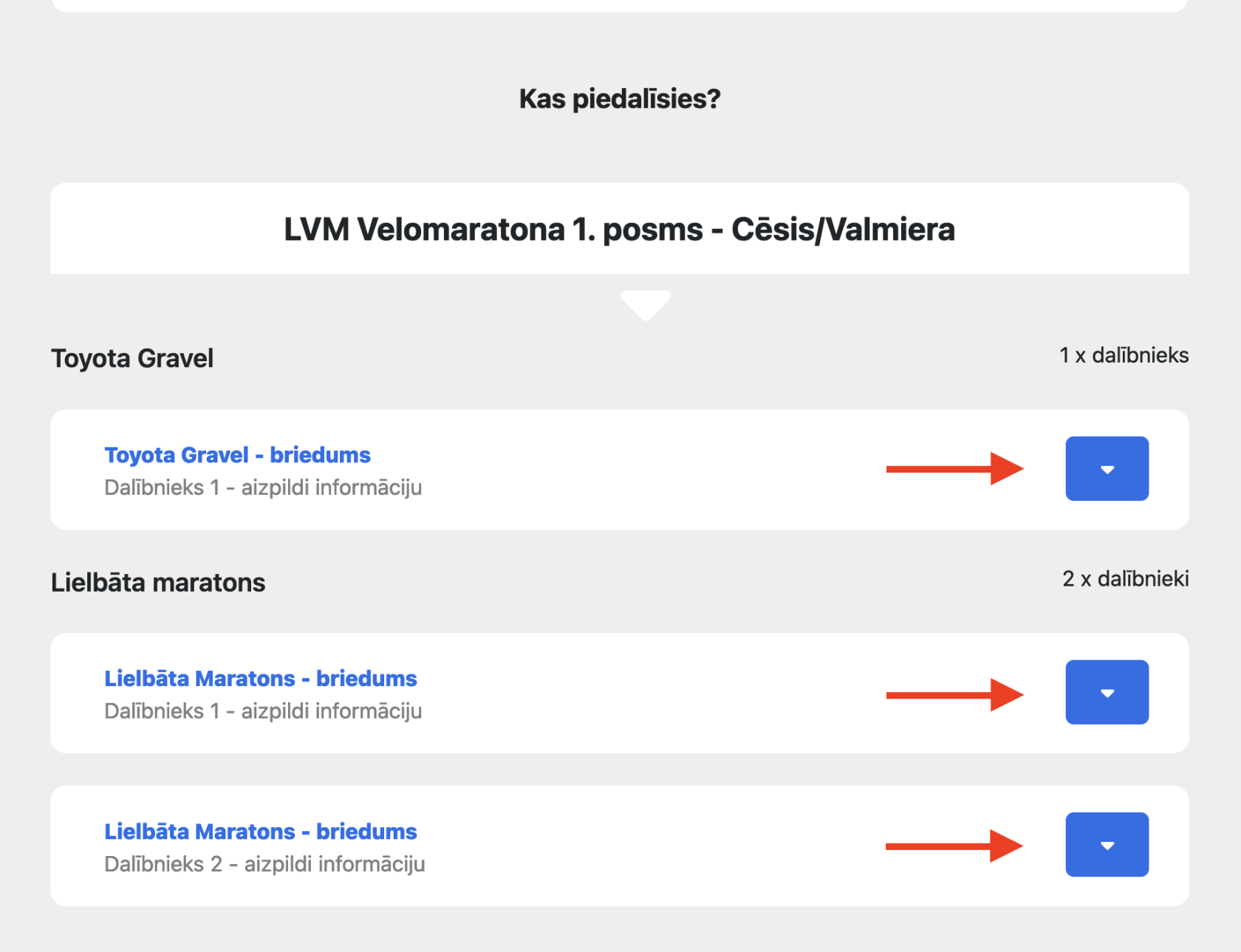
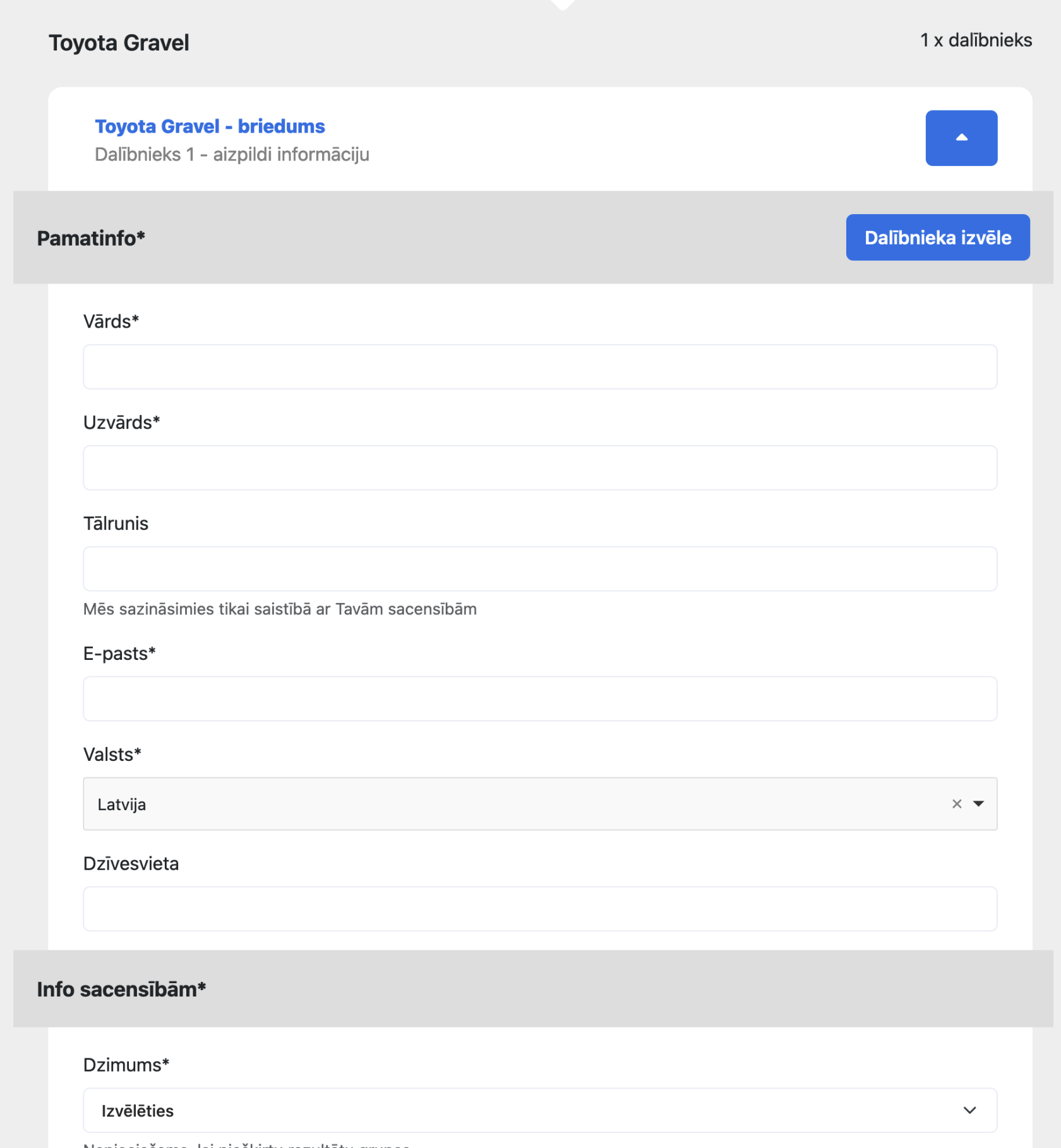
Participant information. Press the "down" arrow to open the participant form.
The form can differ for each competition — the organizer can add or remove questions. If the participant has registered on distantrace.com and is logged in, it is possible to choose a participant from the "Participant menu" — it will show all participants previously registered with this DistantRace account.
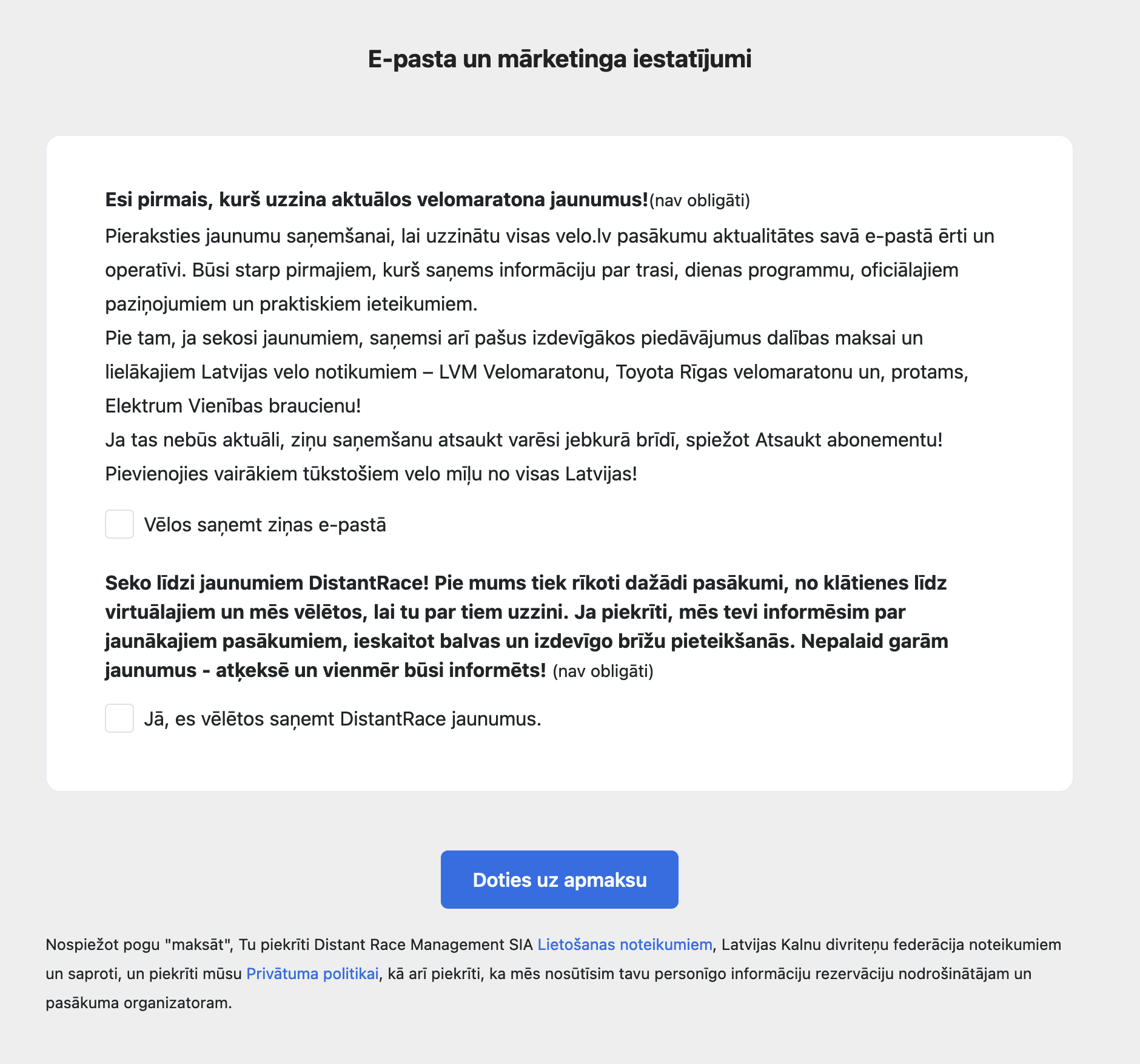
Email and marketing settings. Here you can tick your preferences. The preferences are passed to the organizer, and it is the organizer who decides whether or not to contact the participant. For example, even if you tick nothing here, the organizer may still email you information about the competitions you have registered for.
Once everything is filled in, press "Go to payment".
- Order summary
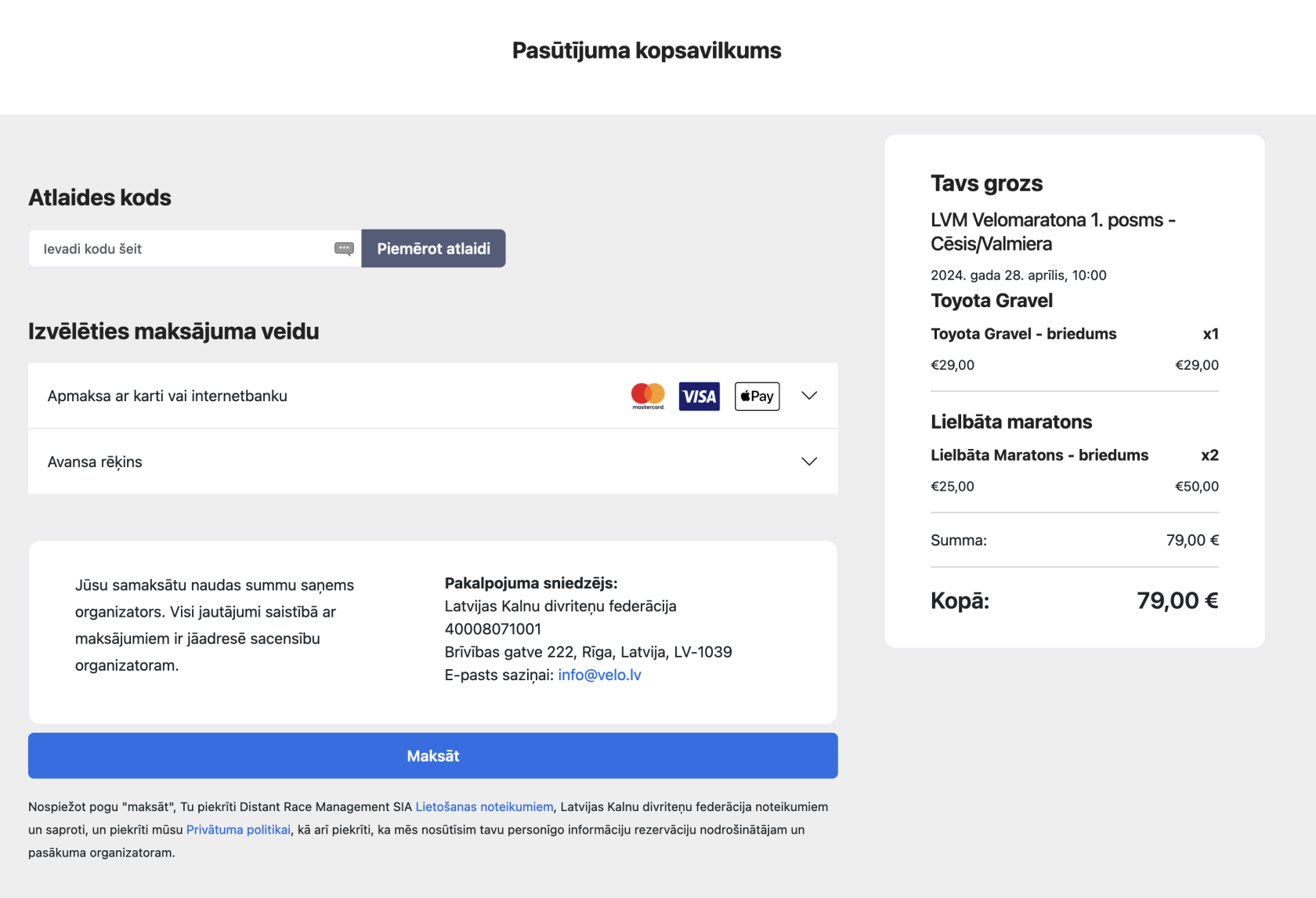
In the order summary, you can review the cart totals, add a discount code (if the organizer has defined one for the competition), and choose the payment method. Each organizer can define their own payment methods, so this section differs from organizer to organizer.
Group discount: registering several participants in one checkout may trigger an automatic bulk discount when the organizer configured one — no coupon code needed. See organizer guide Bulk registration discounts.
For invoices — company billing, bank transfer prepay invoices, and downloading PDFs after payment — see Downloading invoices and receipts.
- After registering for the competition, you will receive a confirmation email from DistantRace or the organizer.
After registration #
- Viewing competition course maps — GPX routes, checkpoints, and downloadable tracks
- Viewing the start list
- Picking a start time slot
- My competition registrations