Creating a payment link
Creating a payment link
Issue a standalone payment request when someone owes money outside normal event registration — extra services, late fees, or manual invoices.
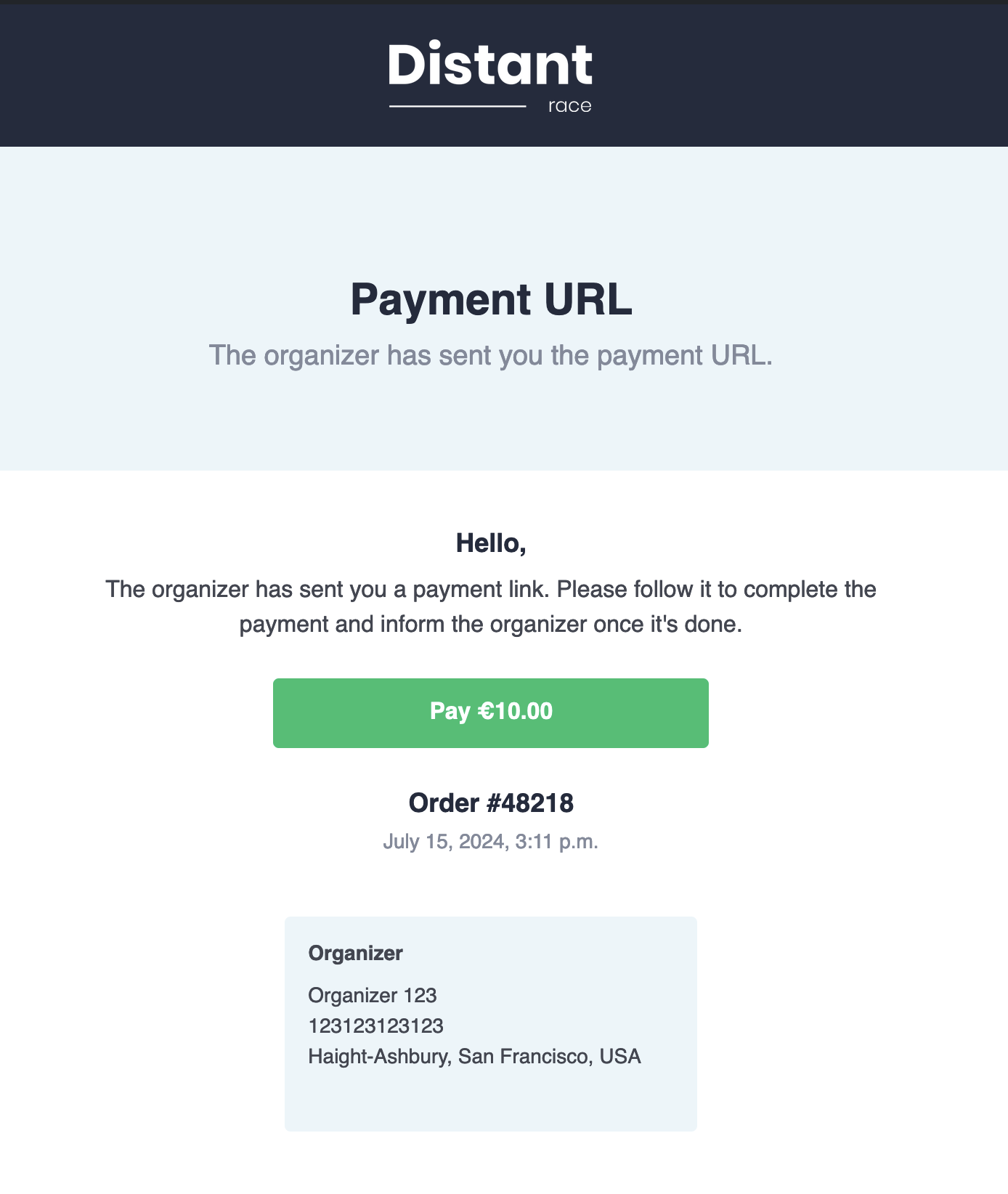
Payment links create a cart in Finance → Orders (same list as registration checkouts). The payer receives an email with a checkout link; when paid, the cart moves to Payment received like any other order.
Path: Manager console → Finance → Orders → Add
In the Finance → Orders section, press Add.
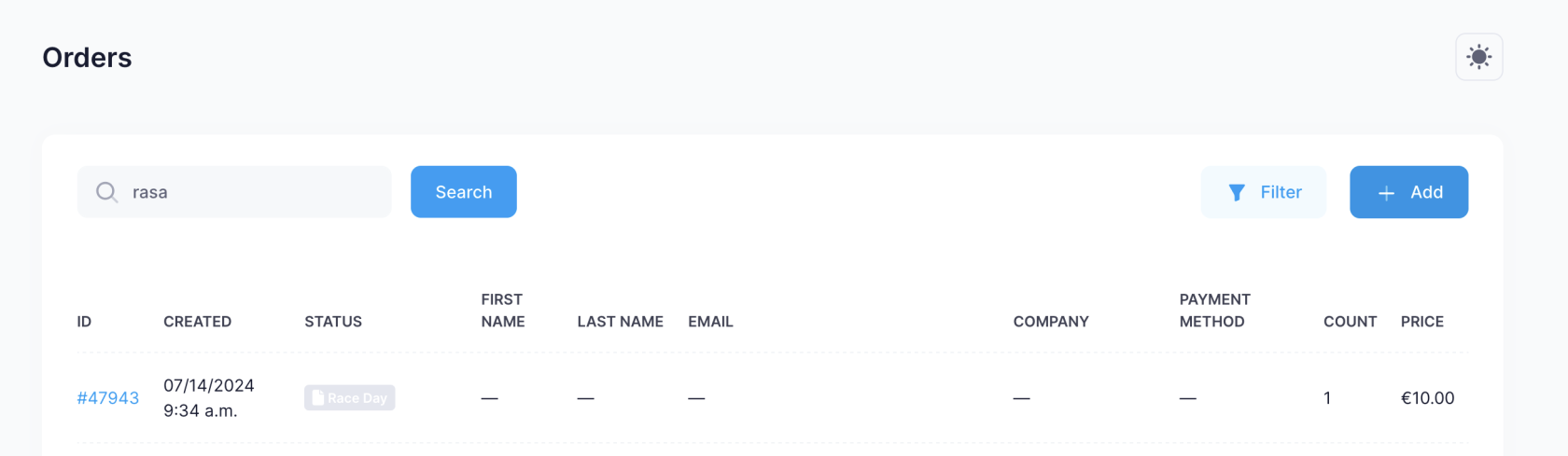
A form will open where you can add the information about the required payment.
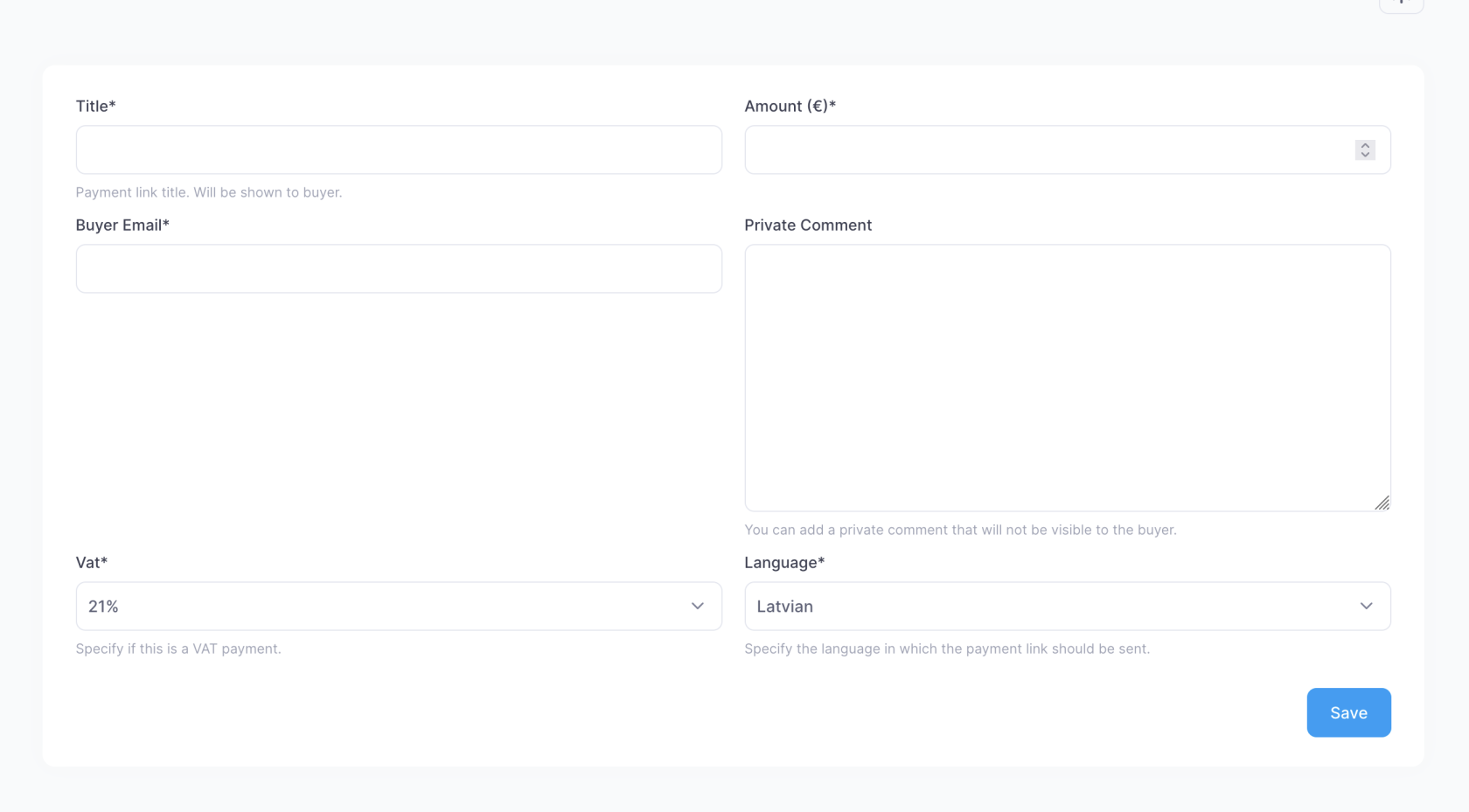
| Field | Description |
|---|---|
| Title | What the payment is for — the payer sees this |
| Amount | The total amount payable |
| Buyer Email | The client's email address — the email with the payment request is sent to this address |
| Private Comment | Here you can add a private comment visible only to the organizer. For example, which actions to take after receiving the payment |
| Vat | The VAT amount. Depending on the country, this can contain different values. In Latvia's case, if the payment is for participation, VAT is not applied. If additional products are sold, VAT may apply if the organizer is a VAT payer |
| Language | The language in which the payment request is sent to the client |
The email the client receives looks like this:
¿Te resultó útil esta página?
Gracias — tus comentarios nos ayudan a mejorar esta documentación.