Discount codes
Discount codes
The system allows you to define various kinds of coupon codes that can be given to participants so they can register with a discount.
Some of the possible scenarios:
1. An email campaign is created where everyone who enters the code "XMAS" gets a 10% discount.
2. 1000 individual codes are prepared that can be sent out / assigned to participants, with each code usable by only 1 participant.
3. Coupon codes are prepared that work once in any of the many events run by the organizer.
4. A coupon code only applies to one specific distance.
Campaigns #
All discount codes are grouped into campaigns, so to get a coupon code you first need to create a campaign.
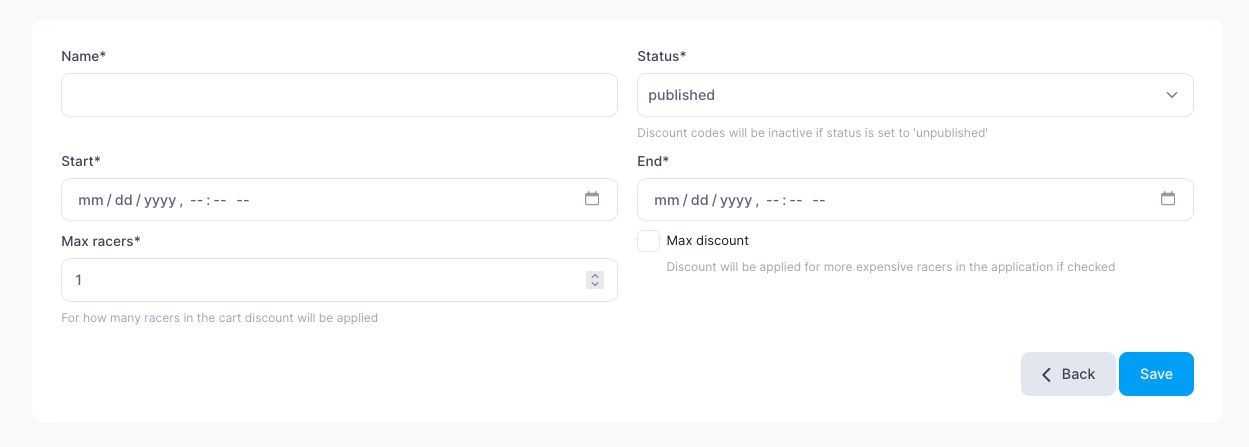
Field descriptions:
- Name — the campaign name
- Status — whether the campaign is available (published = available, unpublished = unavailable). If you set a campaign to "unpublished", none of the campaign codes work anymore.
- Start — the date and time when the campaign activates and the coupon codes become valid
- End — the date and time when the campaign is no longer active
- Max racers — how many participants get a discount with one code.
- Max discount — whether the registration with the highest price should be selected and discounted. This applies when the coupon code works for one participant but there are several participants in the cart.
Once the basic information is entered and saved, an extended settings window opens, divided into several sections:
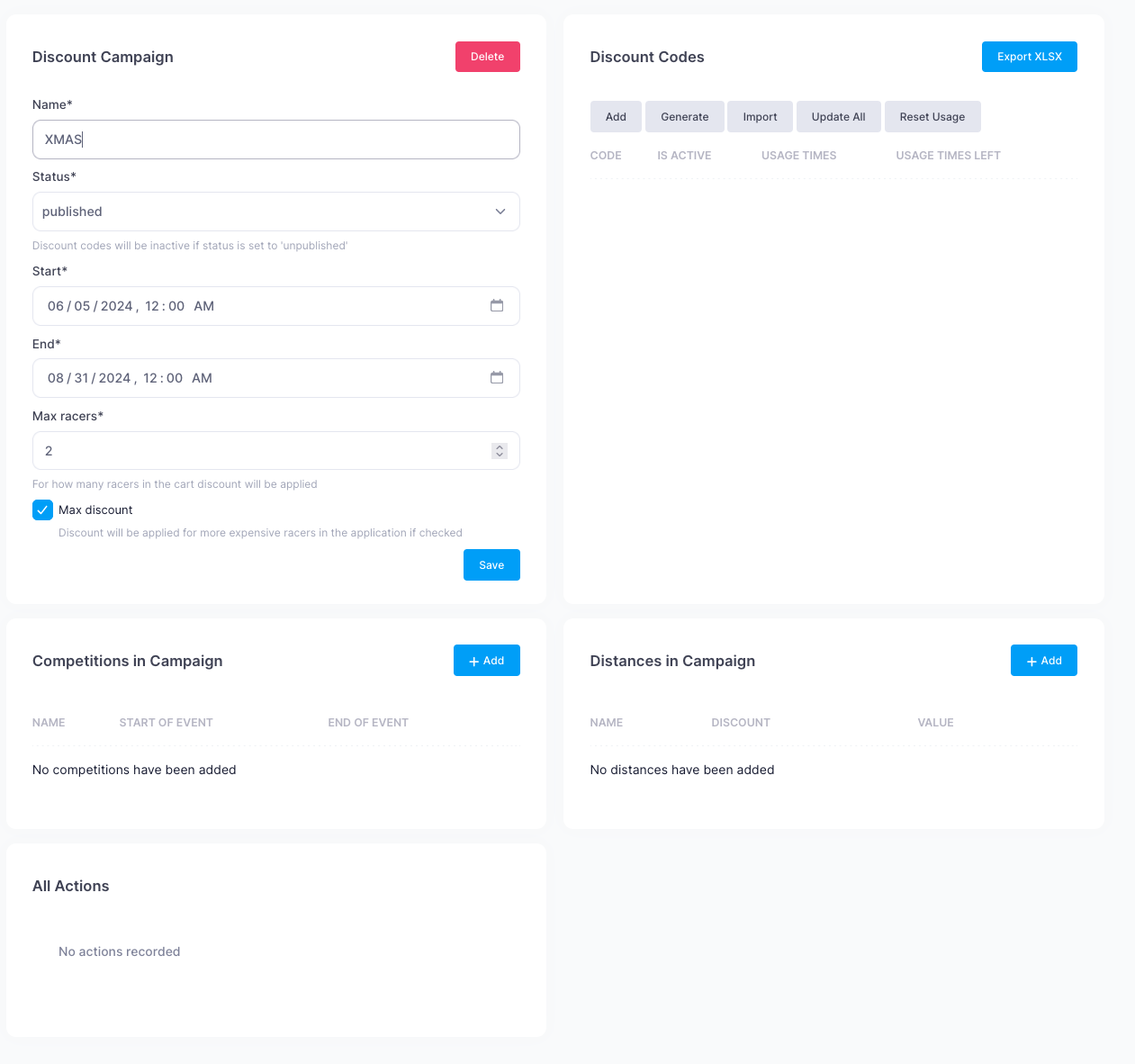
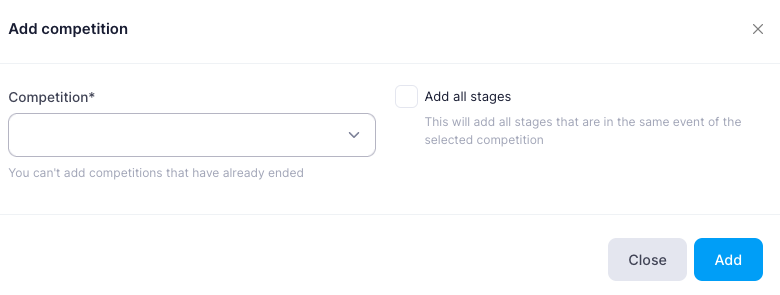
Campaign competitions
Here you need to add the competitions that the added coupon codes will apply to.
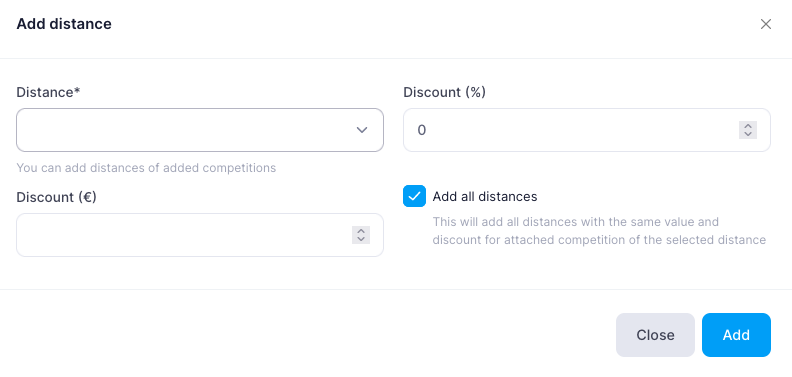
Campaign distances
A coupon code can grant a discount for specific distances, and they can be selected in this section. For each distance, you can set its own discount percentage or discount amount.
If you need to add all available competition distances with the same discount amount, choose "Add all distances".
Coupon codes
This section shows the coupon codes that work in the specific campaign. There can be one or several codes. For example, if an unlimited number of people can register with one discount code, it can be a single code such as XMAS.
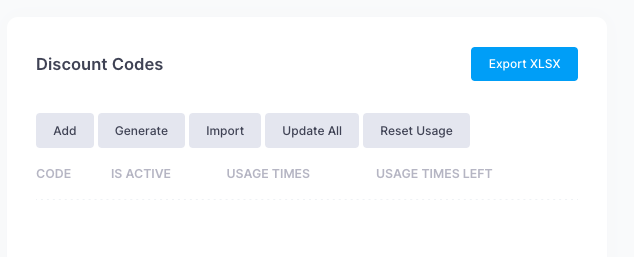
Several functions are available in this section:
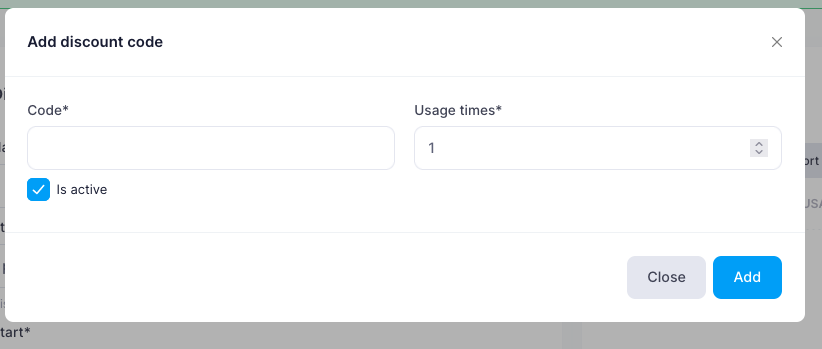
Add
Here you can add one specific coupon code and specify how many times this code may be used.
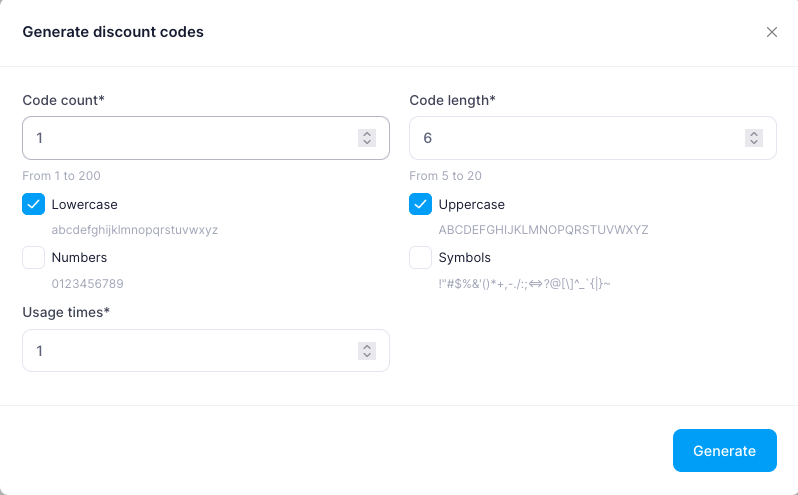
Generate
In this section, you can generate coupon codes. Choose how many codes you need, their length, content, and the number of allowed uses.
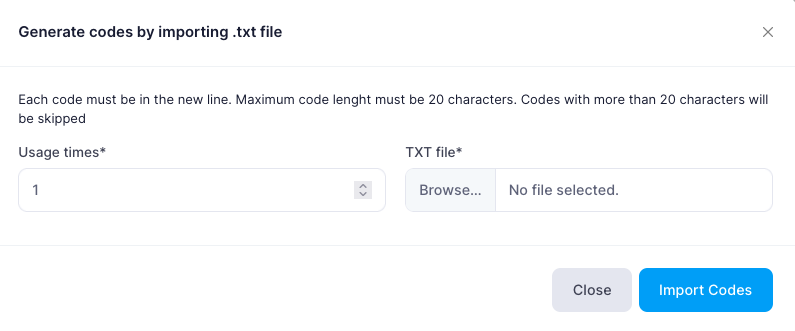
Import
If codes were created outside the DistantRace system, they can be imported from a text file.
Update All
If the coupon code list needs to be refreshed, you can do that here.
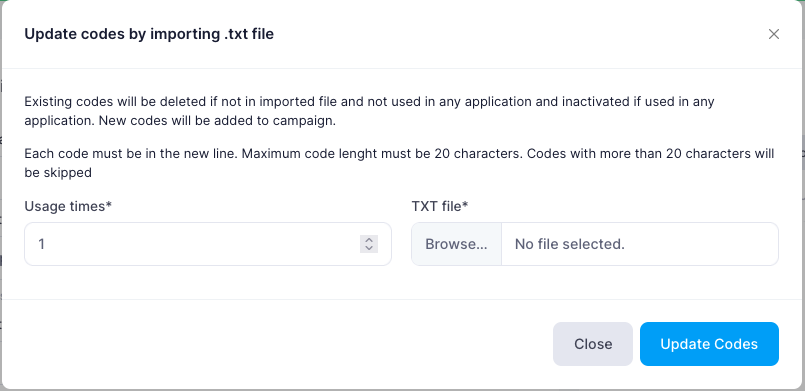
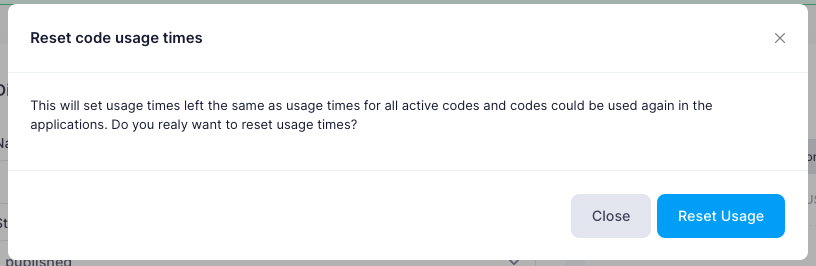
Reset usage
If you want to reset all codes so that all of them are valid again, you can reset their usage. If any code has already been used, it will become usable again.
Export XLSX
The full list of codes can always be exported to xlsx format.
Delete campaign
Delete campaign removes all unused coupon codes (not linked to a cart). If some codes were already redeemed, the campaign is set to unpublished instead of deleted — existing orders keep their discount history.
All actions
In this section, you can see all the actions performed in the specific campaign — who added which competitions/distances and coupon codes.